Welcome

From Eeebuntuwiki

Jump to: navigation, search

Image:Welcome.png

Contents

Welcome 

 A great deal of newcomers to Eeebuntu (and, by proxy, to Ubuntu) are coming from the world of Windows. If you are used to one operating system, suddenly getting to grips with a new one can be confounding and the simplest differences will frustrate.


The first thing to do is to learn the 'grammar' of the OS - as you become more familiar with how Ubuntu treats the file system or where it puts applications, you will be able to draw parallels with what you know about Windows. Soon, you'll know what a terminal is, how to use apt and why all those Linux users talk about sudo, whatever that is.

What is Eeebuntu?

Image:Welcome2.png

Eeebuntu is a distro (distribution) of Ubuntu, a version of Linux maintained by Canonical. The Eeebuntu developers take Ubuntu and customise it to a specific application - in this case, to work well on the EeePC range of netbooks. Ubuntu is designed to be as friendly and GUI-based as possible whilst still retaining the power of a Unix based operating system.

All of the hints and tips that work for Ubuntu should work in Eeebuntu, with the exception of some of the kernel related tips. The kernel is the brain of Ubuntu. Eeebuntu uses a specially customised kernel designed for the EeePC. Don't mess with the kernel unless you know what you're doing.


Canonical call the various releases of Ubuntu by friendly names, in addition to the release numbers. The last Ubuntu was 8.10 and known as Intrepid Ibex. Eeebuntu 3.0 is based upon the Ubuntu release, 9.04 Jaunty Jackalope.


Check to make sure that the hint or tip that you are interested in works on the version of Eeebuntu you are using - sometimes it's not even needed as Canonical include it in the latest release.

Here are some useful introductions for first time *buntu users who have made the switch from Windows.


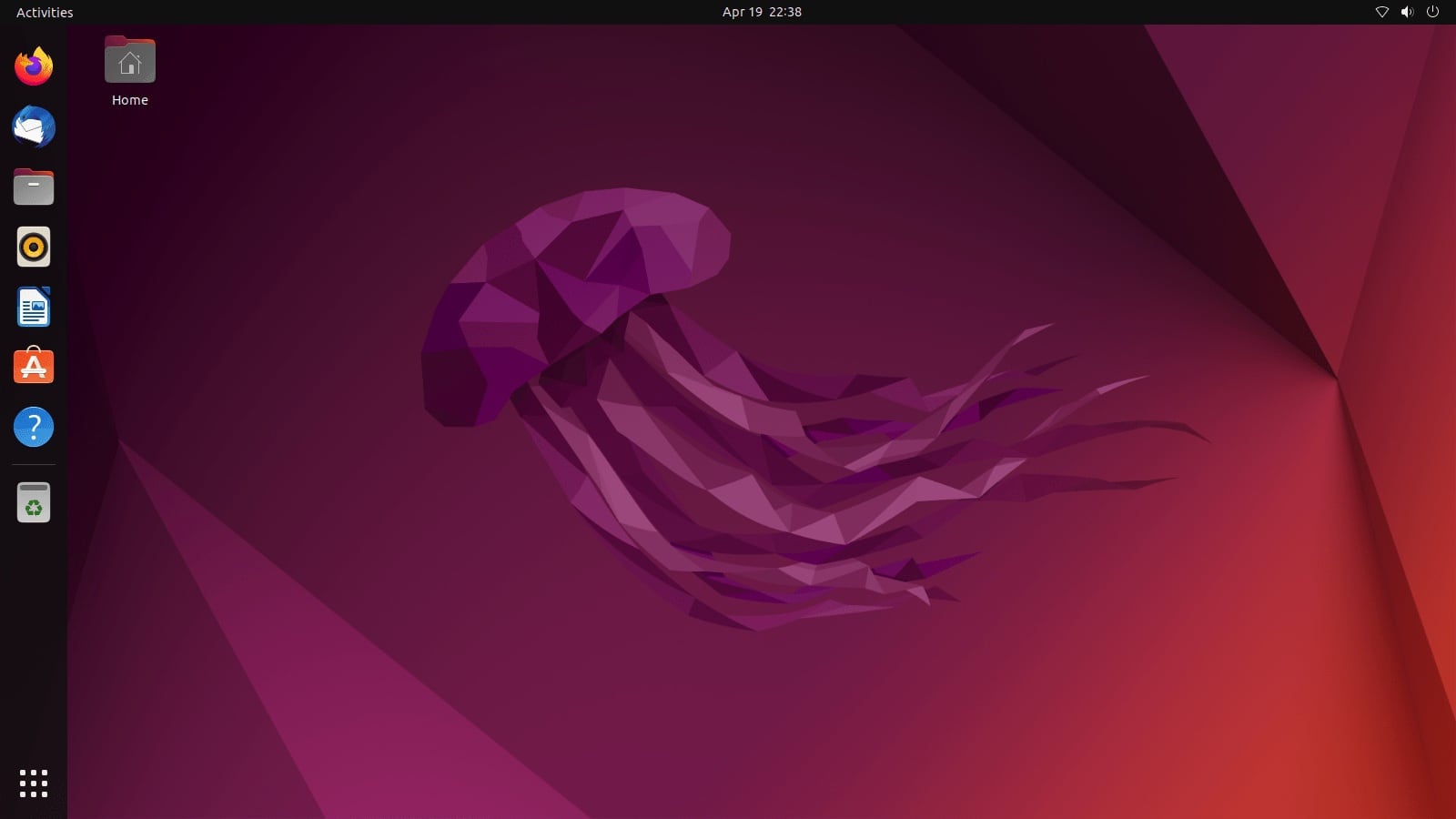
The Official Ubuntu Switcher Guide

Image:Welcome1.png

https://help.ubuntu.com/community/SwitchingToUbuntu/FromWindows

A handy guide direct from Canonical, the maintainers of Ubuntu, explaining the differences between Windows and Ubuntu.


The PCMech Guide To Ubuntu For Windows Users

http://www.pcmech.com/article/windows-to-ubuntu-transition-guide/

This is a well written, page by page guide covering how you achieve familiar day to day tasks in Ubuntu. It covers office applications, games, digital media and then becomes more in depth, showing you how to install and configure a web development environment, remote desktop and firewall.


Watching The Net's Tech Tips For Windows Users

http://www.watchingthenet.com/category/ubuntu-tips

There are dozens of tips written specifically for Windows users about how to achieve various familiar (and not so familiar) tasks in Ubuntu.


As always support for Eeebuntu is available in the Forums but remember that nearly everyone stepping in to help is part of the community - they are not tech support, they are not Eeebuntu developers, they are end users just like you. They are sharing their experience and offering assistance out of the goodness of their heart. Be polite, patient and friendly and you'll get informed assistance.